
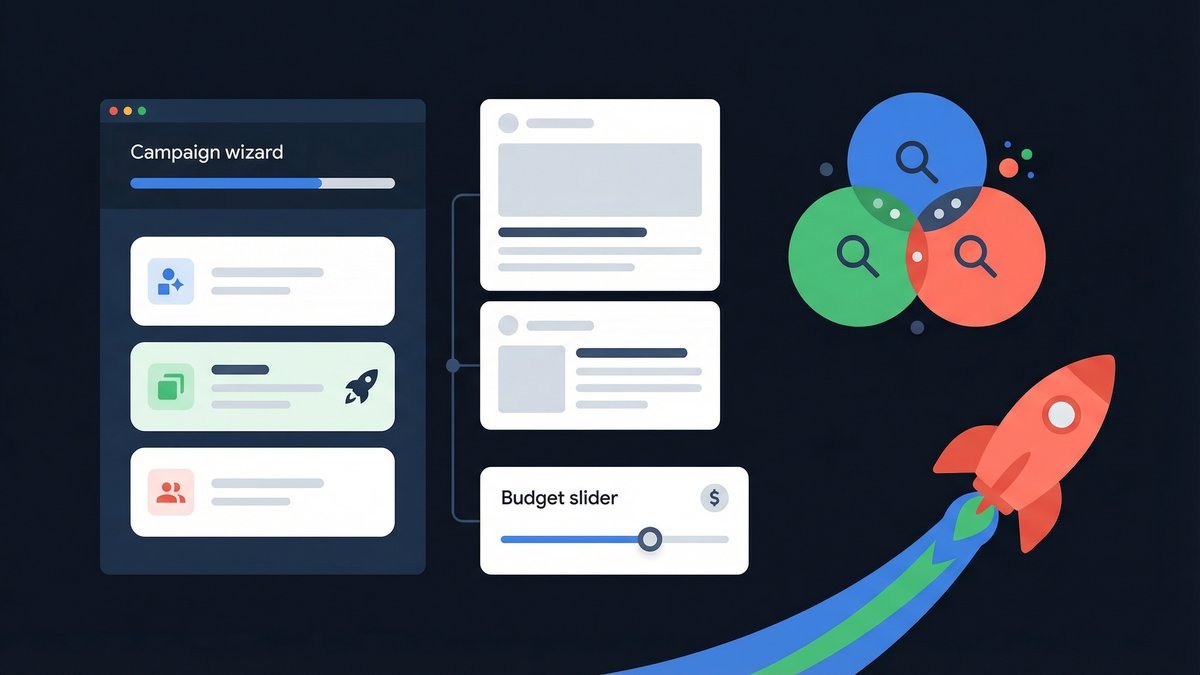
Starting with Google Ads can seem intimidating for a google ads beginner. However, with the right approach, setting up a campaign that drives results is within reach. This guide will walk you through creating your first Google Ads campaign step by step.
We’ll cover the essential components such as campaign structure, bidding strategies, and ad creation. By the end, you’ll be ready to launch and manage your ads confidently.
Understanding Google Ads Basics for Beginners
Google Ads works on a pay-per-click model where advertisers bid on keywords relevant to their business. As a google ads beginner, it’s important to understand the platform’s core elements: campaigns, ad groups, and ads.
A campaign organizes your advertising goals, while ad groups contain related ads and keywords. This hierarchy helps control your budget and target audience effectively. Familiarizing yourself with these basics sets a solid foundation for your campaign.
How to Structure Your First Google Ads Campaign
Structuring your campaign properly is crucial for performance and manageability. Start by defining your campaign goal: sales, leads, website traffic, or brand awareness. Choose the appropriate campaign type such as Search, Display, or Shopping.
Next, create ad groups within your campaign. Each ad group should focus on a specific theme or product, containing tightly related keywords and ads. This relevance improves your Quality Score and ad performance.
Google Ads Bidding Strategies Explained Simply
For a google ads beginner, understanding bidding can be confusing but is key to controlling costs and results. Google Ads offers manual and automated bidding options.
Manual CPC lets you set bids for individual keywords, giving you control but requiring experience. Automated strategies like Maximize Clicks or Target CPA use Google’s machine learning to optimize bids for your goals. Starting with automated bidding is recommended for beginners to simplify management and improve return on investment.
Creating Effective Ads That Convert
Your ads are what users actually see, so crafting compelling and relevant ads is essential. Use clear headlines that include your main keywords and highlight your unique selling points.
Include a strong call-to-action like “Buy Now” or “Get a Free Quote.” Also, utilize ad extensions such as site links or call buttons to provide more options and increase ad visibility. Testing different ad copies helps identify what resonates best with your audience.
Monitoring and Optimizing Your Google Ads Campaign
Launching your campaign is just the beginning. Regular monitoring helps you understand what works and what needs adjustment. Use Google Ads dashboard to track key metrics like CTR, CPC, conversions, and Quality Score.
Adjust bids, pause underperforming keywords, and refine your ads based on data. Tools like the SEO service or the Ads Optimizers can help analyze and optimize your campaigns efficiently.
Conclusion
Starting as a google ads beginner doesn’t have to be daunting. Follow this guide to create a well-structured campaign, choose the right bidding strategy, and craft ads that convert. With ongoing optimization, your campaigns will bring measurable results.
For deeper insights and professional support, explore our Google Ads services and boost your advertising success.
Frequently Asked Questions (FAQ)
What is the best campaign type for a google ads beginner?
Search campaigns are typically best for beginners because they target users actively searching for your products or services, making it easier to generate relevant traffic and leads.
How much should I budget for my first Google Ads campaign?
Start with a modest daily budget that you are comfortable with, such as $5 to $10 per day. This allows you to gather data and optimize without overspending.
Can I change my bidding strategy after launching a campaign?
Yes, Google Ads allows you to switch between manual and automated bidding strategies at any time based on your campaign performance and goals.
How do I choose keywords for my Google Ads campaign?
Select keywords relevant to your products or services, focusing on those with commercial intent. Use Google’s Keyword Planner or tools like our free SEO Analyzer to find effective keywords.
What are ad extensions and why should I use them?
Ad extensions provide additional information and increase your ad’s real estate on search results. They improve click-through rates and offer users more ways to engage with your business.